
Internet for 3–12 Month Stays in Japan: Home WiFi vs Fiber vs Pocket WiFi
A practical guide for residents staying in Japan for a few months to a year, comparing plug-in home WiFi, fiber internet and pocket WiFi by setup time, stability, portability, documents, exit costs and real use.

For a stay of only a few months, pocket WiFi is usually the lowest-friction option because it can be delivered quickly, moves with you and avoids building work. A plug-in home WiFi router is often the better middle ground when you will stay at one address and need a stronger home setup without fiber installation. Fiber becomes most attractive when you expect heavy daily use, a stable fixed address and a long enough stay to justify installation, setup charges and any exit costs. Before choosing, calculate the total cost for your actual stay—not just the monthly fee—and confirm coverage, data rules, equipment return, cancellation terms and whether your apartment already has usable internet.
Start with the apartment before choosing the service
The first question is not which internet product is fastest. It is what your actual home already supports. A monthly apartment, share house, serviced apartment or company dorm may include internet, while a standard rental may have a fiber outlet, building-wide internet, no active line, or restrictions on construction.
Ask the landlord, management company or housing operator whether internet is included, whether the room has an active optical-fiber outlet, whether a previous tenant's line can be reused, and whether outside installation work needs permission. A pre-wired apartment can make fiber much easier; an apartment that requires new work can make it a poor match for a short stay.
Also check your real move-in and move-out dates. A service that takes time to activate or requires equipment return after cancellation needs margin at both ends of the stay.
- Is internet already included in the rent or common fee?
- Is there an optical-fiber outlet or building internet equipment in the room?
- Would new cabling or drilling require landlord approval?
- When exactly do you need service to start and end?
- Will you stay at one address for the whole period?
Pocket WiFi is the flexibility-first option
Pocket WiFi is a battery-powered mobile router that connects to a cellular network and shares that connection with laptops, phones and tablets. It is usually the simplest choice when you need internet immediately, expect to move, or do not want to organize fixed-line installation.
Japan Wireless currently offers dedicated long-term pocket WiFi plans for 3 months, 6 months and 1 year. Its official FAQ says the 3-month plan is paid in one payment, monthly payment is available for the longer plans, and early cancellation can trigger a termination fee. That makes the service easy to understand for a defined stay, but you still need to read the live cancellation and return terms before ordering.
Pocket WiFi is not automatically the best option for heavy remote work. Mobile services can have fair-use rules, daily or monthly high-speed allowances, congestion and weaker indoor reception. If you spend hours on video calls, upload large files, stream continuously or connect many devices, verify the plan's current data policy rather than relying on the word unlimited.
- Best for fast setup, portability and uncertain housing plans.
- No apartment construction is normally required.
- Useful when you want one connection for several WiFi-capable devices.
- Check high-speed data limits, fair-use rules, battery life and indoor coverage.
- Read early-cancellation, damage and equipment-return terms before paying.
Plug-in home WiFi is the low-installation middle ground
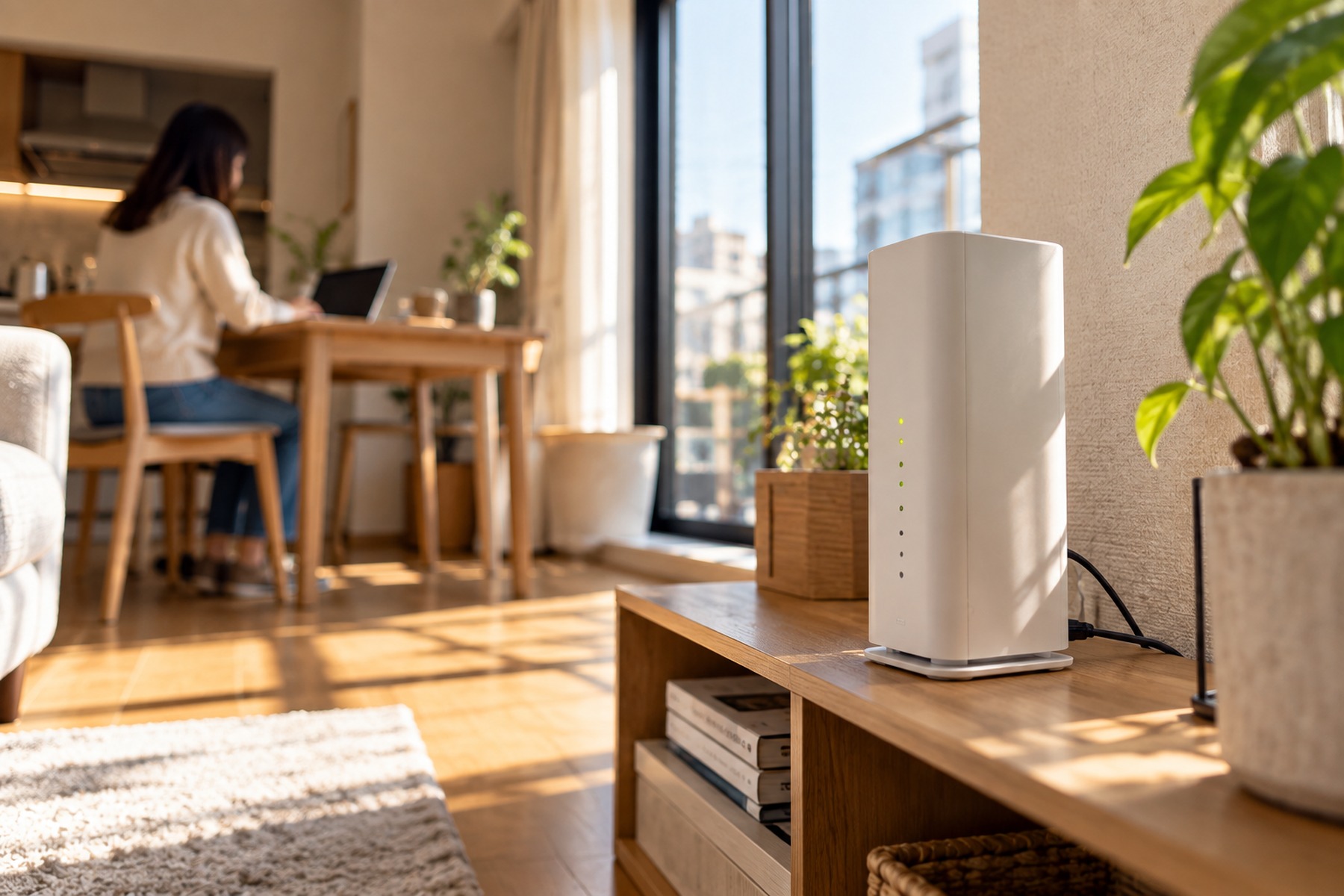
A home WiFi router in this article means a cellular home router that stays plugged in at your residence. It is different from a portable pocket WiFi and different from a fiber line. The appeal is simple: you can create a home network without waiting for fiber construction.
Major Japanese carriers offer no-construction home-router products. SoftBank Air, for example, says installation work is not required and the unit can be used by plugging it in; its English page also notes that renters do not need landlord or management-company approval for installation because no line work is performed. NTT Docomo likewise describes home 5G as a no-construction home internet service.
The trade-off is that performance depends on mobile-network conditions at your exact address. Signal strength, 5G availability, building materials and congestion can change the real result. Some home-router products also involve a device purchase, device installments, address registration or plan-specific cancellation economics, so a short stay can be expensive if you focus only on the advertised monthly service charge.
- Best for one fixed address when you want fast activation without fiber work.
- Usually easier to install than fiber and less battery-dependent than pocket WiFi.
- Check coverage at the exact address, not only the city or ward.
- Check whether the router is purchased, financed or rented.
- Compare the total exit cost if you leave before device installments or discounts finish.
Fiber is the performance-first option when the setup makes sense
Fiber is usually the strongest choice for a fixed home with heavy internet use. It is the option to examine first if you work remotely every day, upload large files, game online, use cloud backups or share the connection with several people.
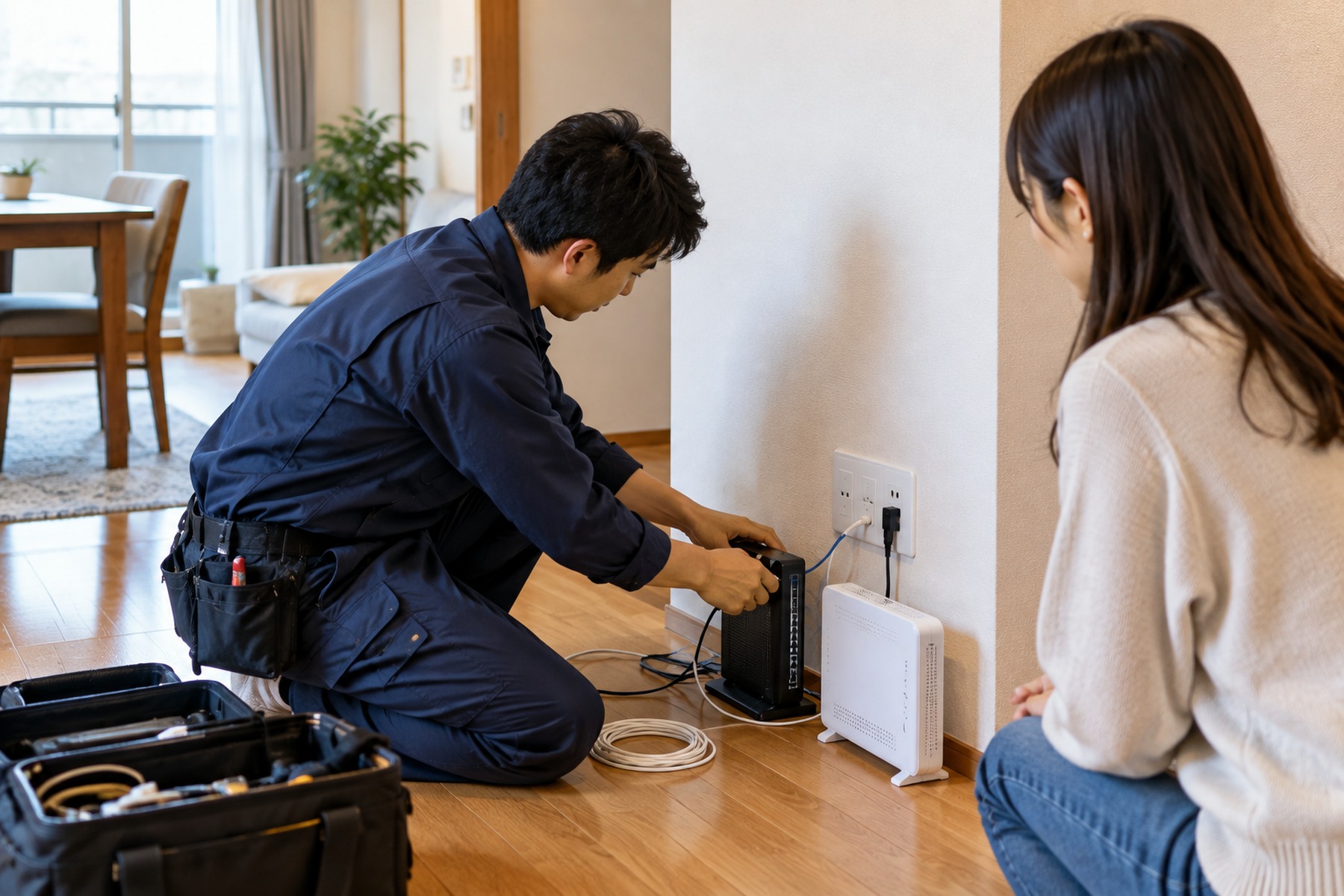
The obstacle for a short stay is not simply the monthly price. Fiber may require an installation appointment, building compatibility, landlord or management approval, setup fees, an optical-network unit and a router. NTT East's installation guide notes that FLET'S Hikari activation work is typically around one hour, while the time until service can begin varies according to the property, equipment and work required.
If the room already has usable fiber wiring and activation is simple, a stay of several months can justify fiber. If a technician must run new cable, the provider needs weeks of lead time, or the plan has meaningful cancellation and construction-cost recovery, a 3-month stay may end before the fixed line has delivered enough value.
- Best for stable, high-volume use at one fixed address.
- Check building compatibility before applying.
- Ask whether the existing outlet can be reused or new work is required.
- Include installation, router, provider and cancellation costs in the calculation.
- Start the application early if reliable home internet is essential for work.
Use your stay length as a filter, not a rigid rule
For about 3 months, pocket WiFi is usually the safest default unless internet is already included or the apartment has a ready-to-activate fixed line. The value is avoiding installation and making the end date easy to plan.
For roughly 4 to 6 months, home WiFi becomes more attractive when you will remain at one address and need a stronger always-on connection. Pocket WiFi still wins when portability matters. Fiber can work if the apartment is already wired and the total setup and exit costs are low.
For about 7 to 12 months, fiber deserves a serious look for remote work or heavy household use, while a home router remains attractive when you value easy setup and do not want installation risk. Pocket WiFi remains useful when you move often, but confirm that its data policy matches months of daily use.
These are decision filters, not universal pricing rules. Provider campaigns, equipment terms, building conditions and your own data use can change the answer.
- Around 3 months: prioritize speed of setup and a clean exit.
- Around 4–6 months: compare home WiFi against pocket WiFi by actual home usage.
- Around 7–12 months: compare fiber's stability against its setup and move-out costs.
- At any length: included apartment internet can beat all three if it is fast enough for your needs.
Calculate the total stay cost, not the monthly headline
Short-term residents are especially vulnerable to misleading comparisons because one service may advertise a low monthly charge while another includes equipment, shipping or setup. Build one total for the full stay before deciding.
Add the setup fee, monthly service charges, router purchase or rental, installation, optional shipping, cancellation fee, equipment-return shipping and any remaining device balance. Then subtract only discounts you are certain you will keep under your expected cancellation date.
A service that is slightly more expensive each month can still be cheaper overall if it has no construction, no device balance and a simple return process. The reverse is also true: a low monthly fee can become expensive if you leave before the promotion or installment schedule ends.
- Setup or activation fee
- Monthly charges for the exact stay length
- Router purchase, installment or rental
- Installation or construction charge
- Early-cancellation or remaining device cost
- Return shipping, non-return or damage charges
Documents and payment can decide the winner
A technically perfect plan is not useful if you cannot complete the application. Providers can ask for identity documents, a Japanese service address, payment information and sometimes proof that you live at the address.
Sakura Mobile says that applicants do not necessarily need Japanese resident status for its monthly services. Its support guidance says a passport can be used for Home WiFi when paying by card, while Fiber Internet requires identity and address documentation; examples include a passport plus a rental or purchase contract or a utility bill.
That difference matters for new arrivals. Someone who has just moved in may be able to arrange pocket WiFi or a home router before every resident-life document is in place, while fiber can require more address evidence. Always check the provider's current application page because accepted documents and pickup rules can change.
- Confirm which ID documents are accepted before applying.
- Check whether proof of address is required.
- Check whether foreign-issued credit or debit cards are accepted.
- If you are newly arrived, verify pickup or delivery options before relying on the service for work.
Match the connection to the work you actually do
For light browsing, messaging, online forms and occasional streaming, any of the three categories may be sufficient if coverage is good. For daily video meetings, cloud work, large uploads or multiple users, stability matters more and fiber or a strong home router deserves priority.
If you must work from day one, a two-stage setup can reduce risk: use pocket WiFi immediately, then switch to home WiFi or fiber only if the apartment and stay length justify it. That prevents a fixed-line delay from leaving you offline during the first weeks.
Before cancelling any temporary connection, test the replacement during the hours when you normally work. Mobile performance can change by room position and time of day, while a newly activated fiber line can still need correct router and WiFi placement inside the apartment.
- Light use: prioritize flexibility and total cost.
- Remote work: prioritize stability, upload performance and backup options.
- Gaming or large transfers: fiber is usually the first fixed-home option to investigate.
- Frequent travel or moving: pocket WiFi keeps the connection with you.
- Critical work: keep a temporary backup until the new service is proven.

FAQ
Is pocket WiFi good enough for a 6-month stay in Japan?
It can be, especially if you move often or need fast setup. Check the provider's high-speed data allowance, fair-use policy, indoor coverage and early-cancellation terms. Heavy video calls, large uploads or continuous streaming may justify a home router or fiber instead.
Is home WiFi the same as pocket WiFi?
No. A home WiFi router is normally a plug-in cellular router designed to stay at a registered home address. Pocket WiFi is a portable battery-powered router you can carry with you. Both use mobile networks, but their equipment, plan terms and intended use differ.
Is fiber worth it if I will leave Japan within a year?
Sometimes. Fiber can make sense for a 7–12 month stay when the apartment is already wired, activation is simple and you need reliable high-volume internet. Compare installation, setup, monthly, cancellation and move-out costs before deciding.
Do I need landlord permission for internet in Japan?
For new fiber cabling or other physical work, you may need permission from the landlord or management company. Plug-in cellular home routers and pocket WiFi normally avoid line-construction work, but you should still follow the service provider's address and use rules.
What should I use while waiting for fiber installation?
Pocket WiFi is a practical temporary connection because it can be delivered or picked up without fixed-line construction. A plug-in home router can also work if you intend to keep it for the full stay and the service has good coverage at your address.
Official References
Final Thoughts
For a 3–12 month stay, the best internet service is the one that fits your real address, workload and exit date. Pocket WiFi minimizes setup friction and travels with you. Plug-in home WiFi gives a more permanent home setup without fiber construction. Fiber is the performance choice when the apartment supports it and the stay is long enough to justify activation and exit costs. Check the apartment first, calculate the full cost through move-out, confirm documents and coverage, and keep a temporary connection until any replacement is working reliably.