
How to Get Official Certificates at a Convenience Store in Japan: My Number Guide
A practical 2026 guide to getting residence, seal, tax and eligible family-register certificates at Japanese convenience-store kiosks using a My Number Card or supported smartphone.

Japan’s convenience-store certificate service lets eligible residents obtain municipal certificates from participating multi-copy kiosks without visiting city hall. The standard nationwide service window is generally 6:30 a.m. to 11:00 p.m., but municipalities can set shorter hours, maintenance closures and document-specific limits. You normally need a My Number Card with a valid user-authentication electronic certificate and its four-digit PIN; supported smartphones can also be used for some services and kiosks. Before going, confirm that your municipality participates, that the exact certificate is available, and that you know which fields, fiscal year or household scope the recipient requires. Fees and available documents are set by each municipality.
What the Convenience-Store Certificate Service Does
The service connects participating municipal certificate systems to compatible kiosks in convenience stores and other participating retail locations. You authenticate yourself at the kiosk, choose an available certificate, confirm the requested details, pay the displayed fee and collect the printed document.
J-LIS lists residence records, residence-record item certificates, seal-registration certificates, various local tax certificates, family-register certificates and family-register supplementary records among the main document categories. A municipality can offer only some of these, so the national list is not a promise that every document is available everywhere.
The kiosk only issues an existing record. It does not register an address, create a seal registration, change a family register, correct tax data or decide which certificate another organization requires.
- Confirm the issuing municipality before you leave home.
- Ask the recipient for the exact certificate name and required details.
- Treat municipal availability as the final authority, not a nationwide example.
Check Four Things Before Going to the Store
First, confirm that the municipality holding the record participates in convenience-store issuance. Second, confirm that the exact certificate you need is offered through the kiosk rather than only at a counter, by post or online.
Third, check the service hours and maintenance notices for that municipality. J-LIS describes the general service window as 6:30 a.m. to 11:00 p.m. every day, but local schedules can be shorter and certain records can follow different hours.
Fourth, make sure your authentication method is ready. The most universal option is a physical My Number Card with a valid user-authentication electronic certificate and the correct four-digit PIN. Smartphone support has expanded, but availability can differ by OS, kiosk and service.
- Municipality participates.
- Exact certificate is available.
- Store kiosk and time are supported.
- Card or supported smartphone and authentication are usable.
Know Which Certificates May Be Available
A copy of the residence record is one of the most common convenience-store documents. Depending on the municipal system, you may be able to request yourself only, the whole household or selected household members, and choose whether certain supplementary items are printed.
Seal-registration certificates require a valid seal registration. Local tax certificates can include assessment, non-assessment, income or payment certificates, but names, available fiscal years and eligibility differ by municipality.
Family-register certificates and supplementary family-register records use a different legal record from the residence register. If your current address municipality and registered-domicile municipality differ, prior registration may be required before the kiosk can issue the family-register certificate.
- Residence record copy.
- Residence-record item certificate.
- Seal-registration certificate.
- Eligible local tax certificates.
- Eligible family-register certificates and supplementary records.
Use the Kiosk Step by Step
The exact screen design differs by retailer, but the sequence is broadly consistent. Choose the administrative-services or certificate-issuance menu, authenticate with the physical card or supported smartphone, select the issuing municipality and enter the required authentication information.
Next, choose the certificate, household scope, fiscal year, printed items and number of copies. Review the confirmation screen carefully before paying because a certificate printed with the wrong options may not be accepted for your purpose.
Wait until every page has finished printing and collect the certificate, receipt, change and your card or phone. Multi-page certificates are not necessarily stapled, so check page numbers before leaving.
- Open the administrative-services menu.
- Authenticate with the supported card or smartphone.
- Select the issuing municipality.
- Enter the four-digit user-authentication PIN when required.
- Choose the certificate and options.
- Review, pay and wait for all pages.
- Collect every item before leaving.
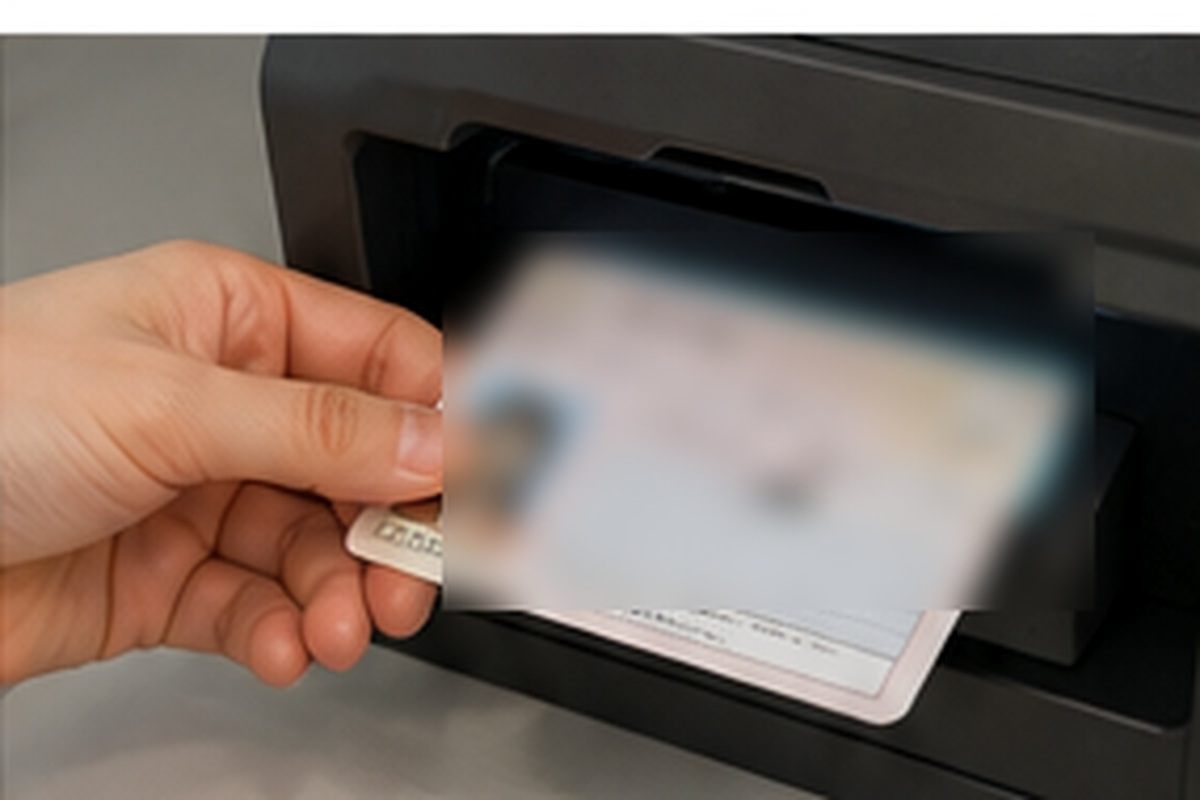
Protect Your My Number Card and Four-Digit PIN
Convenience-store issuance with a physical My Number Card uses the four-digit PIN for the user-authentication electronic certificate. Three consecutive incorrect entries lock that PIN, so do not keep guessing if you are uncertain.
If the PIN is forgotten or locked, the normal route is a municipal reset procedure. When the required conditions are met, one electronic-certificate PIN can also be reset through the supported smartphone-and-kiosk process if the other electronic-certificate password is known. If both are unknown, municipal assistance is required.
Electronic certificates expire separately from the plastic card. An apparently valid card can therefore fail for convenience-store issuance if the required electronic certificate has expired.
- Stop before a third uncertain PIN attempt.
- Do not let another person see or enter your PIN.
- Check electronic-certificate validity before an urgent request.
Using a Smartphone Instead of the Physical Card
Digital Agency guidance confirms that smartphone My Number functionality can be used for services including convenience-store certificate issuance. iPhone and Android support is not identical in every service, and rollout can differ by kiosk and municipality.
A supported smartphone can reduce the need to carry the physical card for an ordinary kiosk request, but keep the physical card available when a related registration or municipal procedure specifically requires it.
If the document is urgent, verify the current compatibility for your phone, municipality and store before relying on smartphone-only access.
- Confirm your phone model and OS are supported.
- Confirm the kiosk accepts smartphone My Number authentication.
- Keep the physical card available for procedures that still require it.
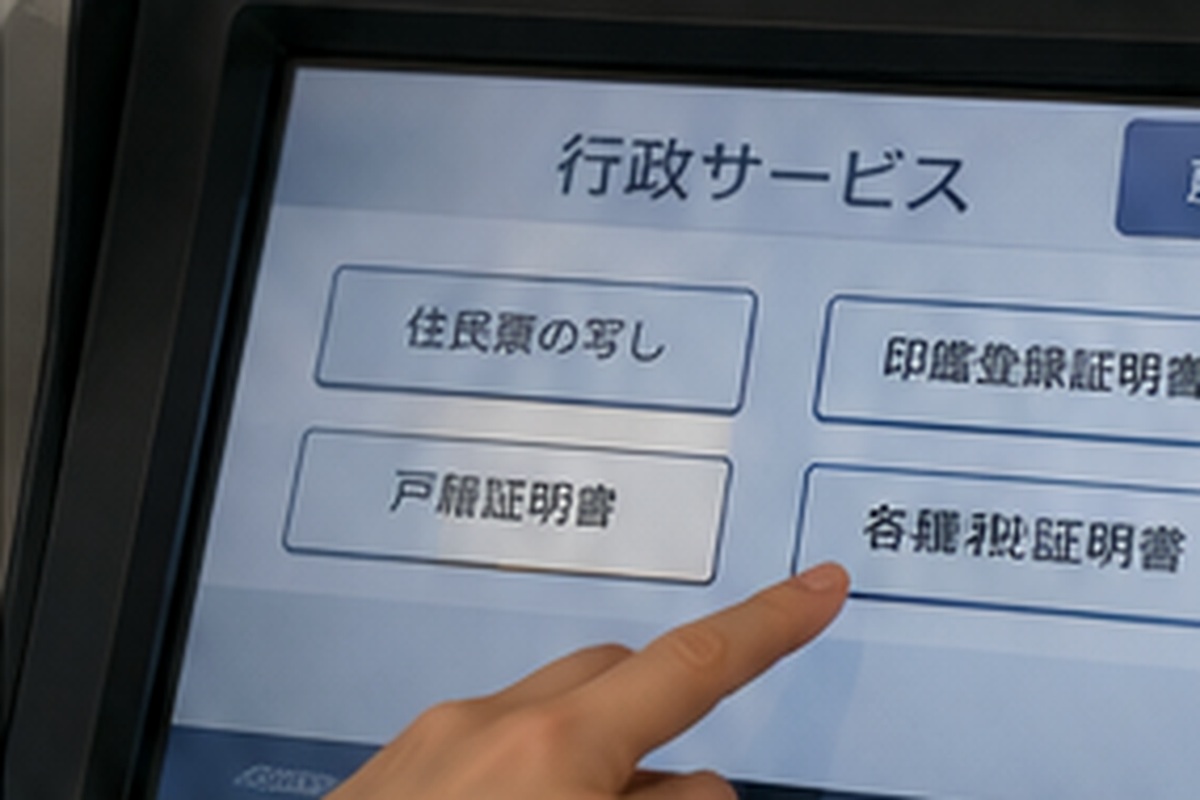
Choose Residence-Record Details Carefully
A residence record can contain different optional details depending on the request. The recipient may require the head of household and relationship, nationality or region, status-of-residence information, My Number, or other fields; another recipient may require those items to be omitted.
Do not print My Number merely because the kiosk offers the option. Include it only when the recipient has a lawful and specific reason to receive it.
Removed residence records, historical records and special variants may not be available at the kiosk. When the required version is unavailable, use the municipal counter, postal service or another method offered by the municipality.
- Confirm household scope.
- Confirm optional fields before printing.
- Include My Number only when specifically required.
- Use another request route for records outside kiosk coverage.
Tax and Family-Register Certificates Need Extra Checking
Tax-certificate availability is especially municipality-specific. The correct issuing municipality and fiscal year depend on the tax record, and a newly filed return or recent payment may not appear immediately. Confirm whether the recipient wants an assessment, non-assessment, income or payment certificate because these documents prove different facts.
For family-register certificates, eligibility depends on the family register and registered domicile. When the registered-domicile municipality differs from the current address municipality, a prior user-registration process may be necessary and approval can take several days.
Do not leave either document until the last day before an immigration, banking, school or legal deadline. Give yourself time to use the municipal counter if the kiosk route is unavailable.
- Check the correct fiscal year for tax documents.
- Confirm the issuing municipality has the needed tax data.
- Complete family-register service registration early when required.
- Keep a counter or postal fallback for urgent deadlines.
Fees, Hours and Maintenance Are Local
J-LIS describes 6:30 a.m. to 11:00 p.m. as the general convenience-store service window, including weekends and holidays, but municipal schedules, year-end closures, certificate-specific hours and maintenance suspensions can override it.
Certificate fees are set by each municipality. Many municipalities price convenience-store certificates below counter fees, but there is no single nationwide price. Check the municipal fee before relying on an example from another city.
Payment methods also depend on the kiosk. Bring a payment method that the machine accepts and keep the receipt until you know the certificate has been accepted.
- Check same-day maintenance notices.
- Confirm the fee for the exact certificate.
- Do not assume another municipality’s discount or hours apply to you.
After Moving or Updating Your Card
Address changes, a moving-out notification, card renewal, electronic-certificate renewal or residence-status updates can temporarily affect convenience-store use. Complete the underlying municipal record update first and allow any local system synchronization period to finish.
A card or electronic certificate that is expired or invalid cannot authenticate the kiosk request. If the service stops working immediately after a municipal update, check the municipality’s stated activation timing rather than repeatedly trying the machine.
If you have already submitted a moving-out notification, some current residence-record certificates may no longer be available through the kiosk.
- Update the card and municipal record after moving.
- Check activation timing after electronic-certificate renewal.
- Use the counter when the underlying record is in transition.
Check the Printed Certificate Before Leaving
Before walking away, check the name, address, household scope, fiscal year, number of copies and any optional printed fields you selected. For a multi-page certificate, make sure every page has printed.
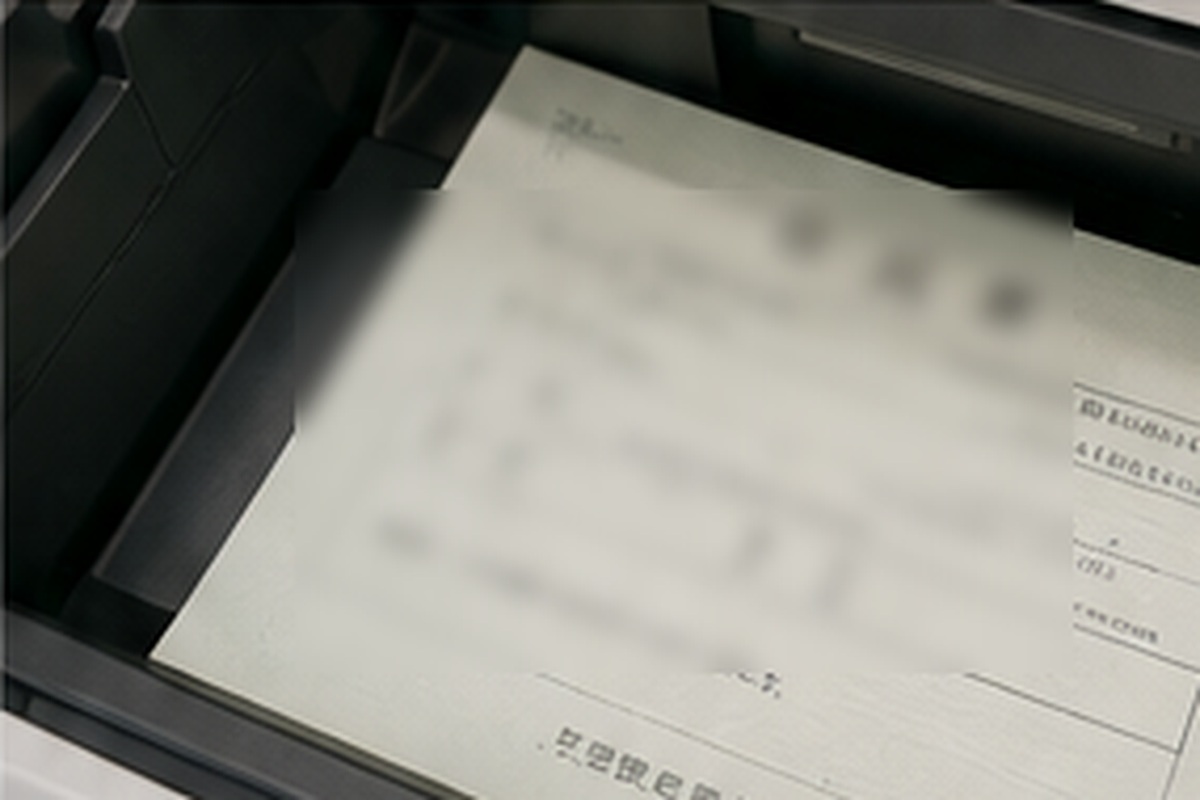
J-LIS states that convenience-store certificates are printed on ordinary A4 paper with anti-counterfeiting and anti-alteration measures. The system also uses protected communications and is designed not to retain certificate data at the kiosk or certificate-issuance centre.
If the print is visibly defective, contact store staff immediately and follow the issuing municipality’s instructions. A selection mistake is different from a printer defect, so reviewing the confirmation screen before payment remains important.
- Count all pages.
- Check every requested field.
- Collect the receipt and change.
- Protect the certificate because it can contain sensitive personal data.
FAQ
What do I need to get a certificate at a convenience store in Japan?
For the standard physical-card route, you need a My Number Card with a valid user-authentication electronic certificate and the four-digit PIN. The issuing municipality and requested certificate must also support convenience-store issuance.
What hours can I use the service?
J-LIS gives 6:30 a.m. to 11:00 p.m. as the general service window, but municipalities can use shorter schedules, maintenance closures and document-specific hours. Check the issuing municipality on the day you use it.
Which certificates can I get?
Common categories include residence records, residence-record item certificates, seal-registration certificates, local tax certificates and eligible family-register records. Each municipality decides which certificates it offers.
What happens if I enter the My Number PIN incorrectly?
The four-digit user-authentication PIN locks after three consecutive incorrect entries. Stop if you are unsure and use the official reset procedure rather than guessing again.
Can I use my iPhone or Android phone instead of the physical My Number Card?
Supported smartphone My Number functionality can be used for convenience-store certificate services, but compatibility can differ by device, kiosk, municipality and related procedure. Verify support before leaving the physical card at home.
Why is the certificate I need missing from the kiosk menu?
The municipality may not offer that document, the record may be outside kiosk coverage, the service may be under maintenance, or your card or underlying record may not currently be eligible. Check the municipal website or use another request method.
Official References
- J-LIS: Convenience Store Certificate Issuance Service
- My Number Card Official Site: Can I obtain certificates at a convenience store?
- My Number Card Official Site: User-Authentication PIN
- Digital Agency: My Number Card on Smartphones
- Shinjuku City: Convenience Store Certificate Service
- Edogawa City: Convenience Store Certificate Service
Final Thoughts
Convenience-store issuance is useful because it separates a simple printing task from a trip to city hall, but only when the underlying record, certificate type and authentication are already correct. Confirm the exact document first, check the issuing municipality’s current availability, use the correct four-digit PIN, and review every field before paying. For urgent applications, keep a municipal-counter fallback rather than assuming the kiosk can issue every record.