
Japanese Phone Numbers and Automated Menus: Prefixes, Call Charges & Keypad Guide
Understand Japanese phone-number prefixes, toll-free and paid service numbers, international format, automated voice menus, extensions and safe calling habits.

Before pressing a key, identify three things: what type of number you called, whether the call may cost extra, and exactly what the recording is asking you to enter. Ordinary Japanese numbers commonly include geographic fixed-line numbers such as 03 or 06, mobile numbers beginning 070/080/090, 050 IP-phone numbers, 0120/0800 toll-free service numbers and caller-paid 0570 service numbers. Automated menus are not standardized: listen to the whole prompt, use the keypad only when instructed, and do not assume that 0 always reaches an operator.
Start by recognizing the number type
A Japanese phone number often tells you what kind of line or service you are calling. Geographic fixed-line numbers use area codes, while mobile, IP-phone and service numbers use non-geographic prefixes.
This matters because reachability and charging can differ. A normal-looking customer-service menu reached through 0120 can be toll-free to the caller, while a similar menu reached through 0570 can be caller-paid.
- 03, 06 and other area codes: geographic fixed-line numbers
- 070, 080, 090: mobile numbers
- 050: IP-phone numbers
- 0120 and 0800: toll-free service numbers
- 0570: caller-paid unified service numbers
- 110, 118 and 119: emergency numbers
Geographic numbers: 03, 06 and other area codes
Tokyo commonly uses 03 and Osaka commonly uses 06, while other areas use different geographic codes. The grouping of digits can vary, so do not assume every landline follows the same hyphen pattern.
Businesses often publish a representative number rather than a direct employee line. If you are calling an office, prepare the organization name, department, person's name and purpose before dialing.
- Representative number: often reaches reception, a switchboard or an automated menu
- Direct number: may reach a department or person more directly
- Extension number: usually entered only after the main line connects
Mobile numbers and 050 IP-phone numbers
Ordinary Japanese mobile voice numbers commonly begin with 070, 080 or 090. A 050 number identifies an IP-phone service rather than a geographic area.
The prefix alone does not prove who is calling. Caller ID can help you recognize a saved contact, but an unfamiliar number should still be verified through the organization's official website or documents when the call involves money, identity information or account access.
- 070 / 080 / 090: ordinary mobile-number ranges
- 050: IP-phone range
- Do not treat a familiar-looking prefix as proof of identity
- Use an official published number when calling back about a sensitive request
0120 and 0800 versus 0570: check who pays
Toll-free services such as NTT Free Dial use 0120 and 0800 number ranges, although connection availability can depend on the originating line or service.
NTT's Navi Dial uses 0570 numbers and the caller pays the applicable charge. NTT also states that calls from mobile phones to Navi Dial are outside mobile carriers' flat-rate calling plans. Because rates and service conditions can change, listen to the pre-call rate announcement and check the current service page when cost matters.
- 0120 / 0800: generally toll-free to the caller when the originating line is supported
- 0570: caller-paid service
- 0570 is generally outside mobile flat-rate calling plans
- Listen for the rate announcement before continuing a long call
How international format changes a Japanese number
Japan's country code is +81. When converting an ordinary Japanese domestic number to international format, the leading domestic 0 is normally removed. For example, a domestic mobile number written 090-1234-5678 becomes +81-90-1234-5678.
The same principle commonly applies to geographic numbers such as 03. Service numbers such as 0120 or 0570 may not be reachable from overseas, so use the organization's separately published international or geographic contact number when one is provided.
- Inside Japan: keep the domestic leading 0
- International format: use +81 and normally remove the first 0
- Check whether toll-free or special-service numbers accept overseas calls
Automated voice menus are not standardized
Japanese automated menus often ask you to choose a service by pressing a number. The order and meaning of the keys vary by organization, and menus can change after system updates.
Listen to the entire prompt before pressing anything. If you miss a choice, many systems repeat the menu after a pause, but some return to the beginning or disconnect.
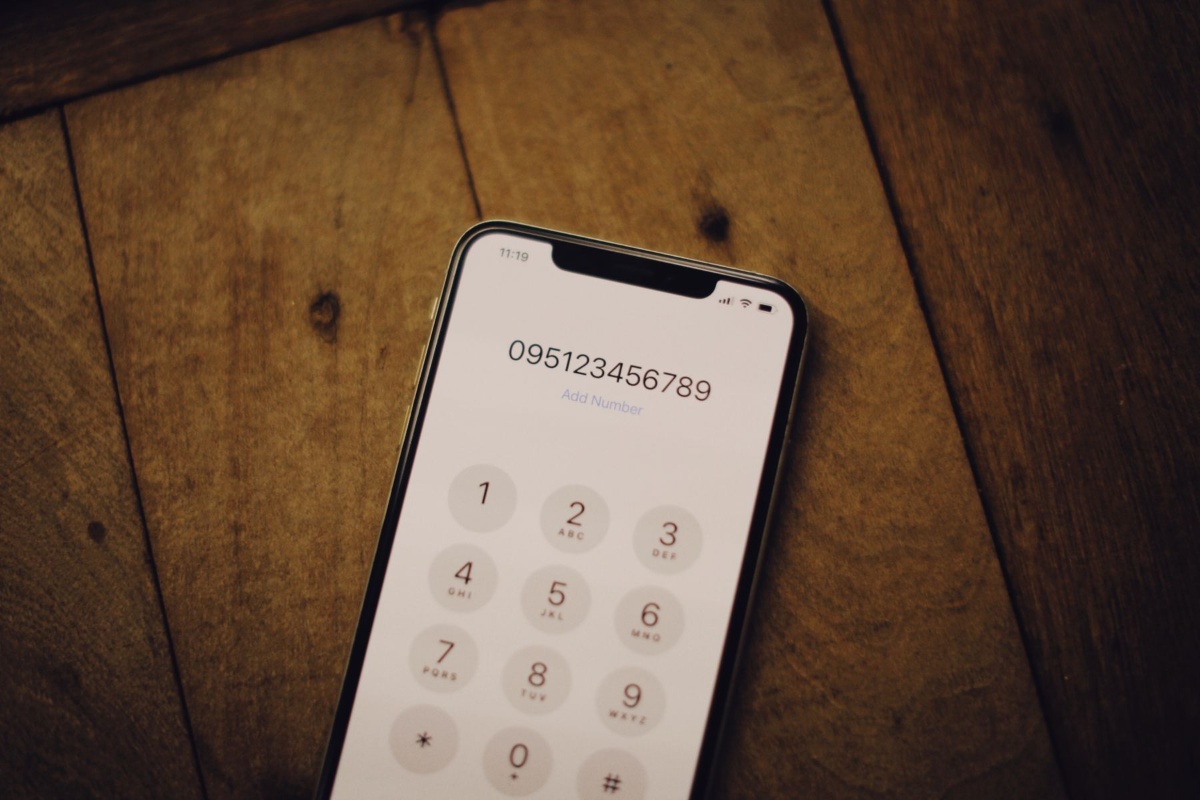
- Open the keypad after the call connects
- Listen for the topic you need
- Press only the number stated in the current prompt
- Do not assume 0, *, or # has the same function on every system
- Wait for the repeat option if you did not understand the first pass
Useful words you may hear in a phone menu
You do not need to understand every word. Recognizing a few high-frequency phrases can be enough to follow the routing.
Numbers may be read one digit at a time. An automated recording can also ask for a customer number, reservation number, date of birth or extension before transferring the call.
- go-yōken no bangō o oshite kudasai — press the number for your request
- naisen bangō — extension number
- tantōsha — person in charge
- operator — operator
- mō ichido — once again
- shōshō omachi kudasai — please wait a moment
- uketsuke jikan — service hours
Extension numbers and menu choices are different
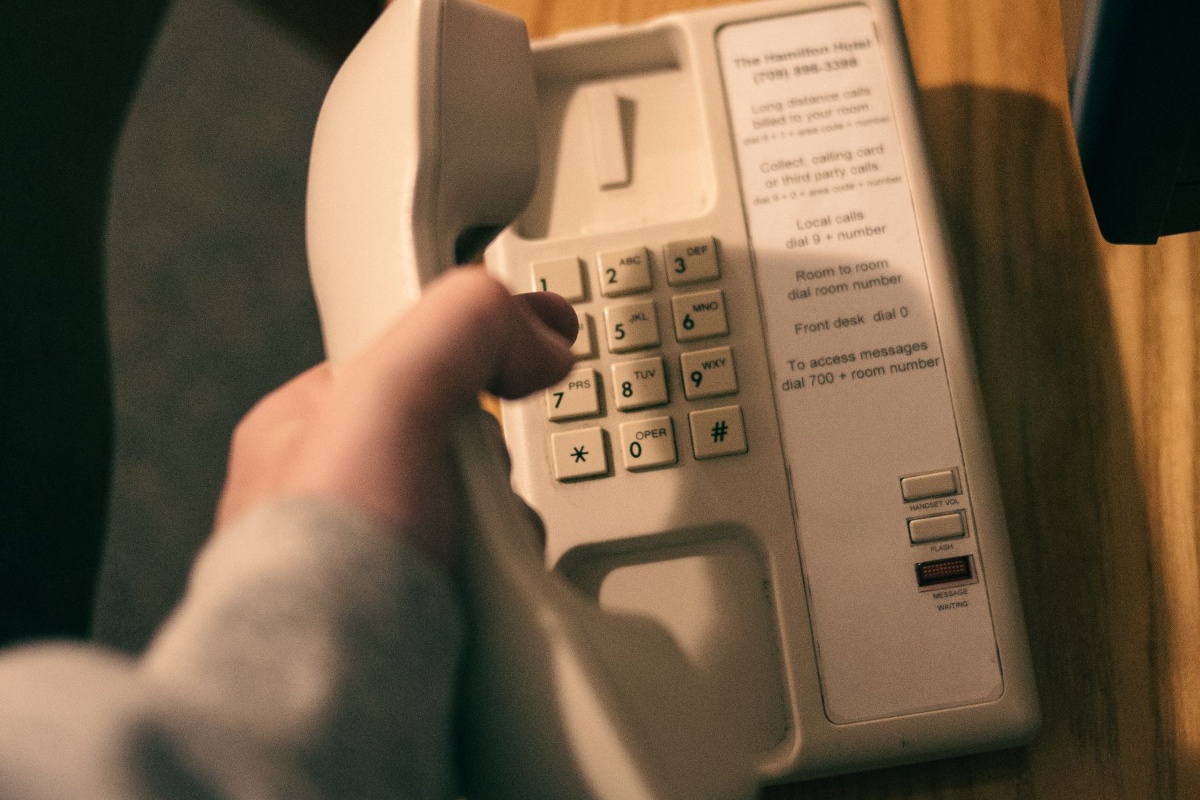
A menu choice selects a service path. An extension routes the call to a specific department, desk or person after the main system answers. Do not enter an extension until the recording or receptionist asks for it.
If written instructions say to press # after the extension, follow them. Otherwise, wait for the system to detect the completed number or for the next prompt.
- Menu choice: selects the type of service
- Extension: routes to a specific internal destination
- Customer or reservation number: identifies your case, not your destination

Prepare information before calling to reduce mistakes
Automated menus become much easier when the information you may need is already in front of you. Write down only what is relevant to the call and keep enough time available to listen carefully.
For customer-service calls, prepare the official phone number, account or reservation reference, dates, names and a short explanation of the problem. If a menu is long, note the sequence of keys only after you have confirmed what each choice means.
- Official contact number
- Customer, reservation or case reference if required
- Appointment or service date
- Your name and registered contact details
- Short description of the request
- Pen and paper for the operator's name or reference number
Protect sensitive information and handle suspicious calls safely
An unexpected caller may imitate a bank, government office, delivery company or telecom provider. Do not let caller ID or a convincing automated voice pressure you into entering sensitive credentials.
Never provide a bank PIN, password or one-time authentication code because an unsolicited call tells you to. End the call and contact the organization through a number you independently verified. For urgent danger or an active incident, use the appropriate emergency number instead of following an unknown caller's instructions.
- 110: police emergency
- 119: fire and ambulance emergency
- 118: maritime incidents and emergencies
- #9110: police consultation for non-emergency concerns
- Verify sensitive requests using an independently confirmed number
FAQ
Does 0 always connect me to an operator?
No. Automated menus are not standardized. Press 0 only when the current recording says that 0 is the correct option.
Are 0120 and 0800 numbers always free?
They are toll-free service ranges, but reachability can depend on the originating line, service or location. If the call does not connect, look for an alternative geographic number.
Does a 0570 call cost extra even with an unlimited calling plan?
NTT states that Navi Dial calls are outside mobile carriers' flat-rate calling plans. Listen to the rate announcement and check the current provider conditions before a long call.
How do I write a Japanese mobile number in international format?
Use +81 and normally remove the first domestic 0. For example, 090-1234-5678 becomes +81-90-1234-5678.
What should I do if I cannot understand the automated menu?
Wait for the menu to repeat, look for a language option, or use the organization's official website, chat, contact form or alternative phone number. Do not press random keys if sensitive information is involved.
Is an unfamiliar Japanese phone number necessarily suspicious?
No. It may be a legitimate office, delivery service, clinic or business. Verify the number against an official source before returning a call when the request involves money, identity or account access.
Official References
- e-Gov Data Portal: Ministry of Internal Affairs and Communications telecommunications-number data
- NTT Docomo Business: Free Dial
- NTT Docomo Business: Navi Dial FAQ
- NTT Docomo Business: Navi Dial Call Charges
- National Police Agency: Emergency and Consultation Contacts
- Fire and Disaster Management Agency: 119 Emergency Calls
- Japan Coast Guard: 118 Maritime Emergency Number
- Consumer Affairs Agency: Phone Solicitation Rules and Consumer Protection
Final Thoughts
Japanese phone systems become much easier once you separate number type, call charges and menu instructions. Check the prefix before calling, listen to the full recording, distinguish menu choices from extensions, prepare your reference information, and verify sensitive requests independently. Those habits reduce both language mistakes and avoidable call costs.