
How to Use Online Banking in Japan: Transfers, Pay-easy, Security & Foreign Resident Checks
Use online banking in Japan safely: registration, domestic transfers, Pay-easy, transfer timing, smartphone changes, foreign-resident account checks and fraud prevention.

Use only your bank’s verified app or official website, enable the strongest authentication the bank offers, and keep transfer limits appropriate for normal use. Before every transfer, verify the bank, branch, account type, account number, beneficiary name, amount, fee and execution date on the final confirmation screen. Japan’s interbank payment infrastructure supports around-the-clock transfer processing, but individual banks can still apply maintenance windows, service hours, limits and fraud checks. Never enter banking credentials from a link in an unexpected email, SMS or message.
What online banking in Japan usually lets you do
Japanese banks commonly provide balance inquiry, transaction history, domestic transfers, movement between your own eligible accounts, scheduled payments, tax or fee payments, account-setting changes and security controls through an app or browser service.
The exact functions, language support, fees, transfer limits, maintenance hours and authentication methods depend on the bank. Some banks combine everything in one app, while others separate banking, authentication and card-management functions.
- 残高照会 — balance inquiry
- 入出金明細 — transaction history
- 振込 — transfer to another account
- 振替 — transfer between eligible accounts within the bank
- 振込先登録 — saved beneficiary
- 限度額 — transaction or transfer limit
- 税金・各種料金払込 — tax and fee payment
Register from an official route and secure the account first
Start registration from the bank’s verified website, official app-store listing or instructions you received directly from the bank. Do not create or reactivate online banking through an unsolicited email, SMS, search advertisement or pop-up.
Use a unique password that you do not reuse elsewhere. Activate app approval, device binding, biometrics, passkeys, one-time passwords or other stronger authentication when your bank provides them. Turn on login and transaction notifications where available.
- Verify the bank domain and app developer
- Use a unique banking password
- Enable stronger authentication
- Enable transfer and security notifications
- Set a practical daily transfer limit
- Keep the bank’s emergency contact outside the banking app
Check your registered customer details before an important payment
Banks can require current customer information such as legal name, address, telephone number and other identification details. Foreign residents may also be asked to update residence-status or period-of-stay information under the bank’s customer-verification procedures.
If your name spelling, address or telephone number has changed, update it through the bank’s official process before a time-sensitive transfer. A genuine request to update information can also be copied by phishing scams, so enter the bank service independently instead of following a message link.
- Legal name and name spelling
- Registered address
- Registered telephone number and email
- Residence-status information when requested
- Employment or school information when requested by the bank
Make a domestic transfer slowly and in the correct order
Select 振込 when sending money to another person or organization. Depending on the bank, you may need the recipient bank, branch, account type, account number and beneficiary name.
Use recipient details from a trusted invoice, contract or previously verified channel. If the final screen shows a beneficiary name that does not match what you expect, stop and confirm with the recipient through a contact method you already trust.
Before approval, check the amount digit by digit, the fee, the execution date and whether the transfer is immediate or scheduled. Save the completion reference until the recipient confirms payment.
- Bank name and branch
- Account type and account number
- Beneficiary name
- Transfer amount
- Transfer fee
- Execution date
- Transaction reference after completion

Understand transfer timing, 24/7 processing and maintenance
Japan’s Zengin System connects participating financial institutions for domestic credit transfers and supports round-the-clock transfer processing. That does not mean every transfer from every bank will always arrive instantly.
Banks can impose maintenance windows, product restrictions, fraud reviews, recipient-bank conditions, transfer limits and future execution dates. For rent, tuition, tax or another deadline, send early enough to correct an error.
- 24/7 infrastructure does not eliminate bank maintenance
- Recipient-bank conditions can affect timing
- Security reviews can delay or stop a transfer
- Future-dated transfers follow the selected execution date
- Send important payments before the final deadline
Use Pay-easy only when the payment source is trustworthy
Pay-easy allows supported taxes, public charges and other bills to be paid through participating internet-banking services or financial-institution ATMs. The exact menu name varies by bank and can appear as Pay-easy or 税金・各種料金払込.
Enter the payment numbers from the official bill or payment process, then compare the payee and amount shown on screen with the source document before confirming. Do not use payment numbers supplied by an unknown caller claiming an urgent tax, refund, police, immigration or security payment.
- Use the numbers printed on the valid bill or official payment page
- Check the displayed payee
- Check the displayed amount
- Confirm the bank supports the required Pay-easy service
- Check the bank’s service hours when timing matters
Review balances and transaction history as a security habit
Use 残高照会 and 入出金明細 regularly, not only when you expect a payment. Early detection matters if an account is being abused or if a transfer was sent incorrectly.
An unexpected deposit also deserves attention. Do not send money back to a stranger just because they contact you. Confirm the transaction with the bank through an official route, because the payment could involve an error or fraud.
- Check unfamiliar withdrawals immediately
- Check unfamiliar deposits too
- Save statements securely
- Redact unnecessary account details before sharing documents
- Keep transaction alerts enabled
Phishing and impersonation are the biggest everyday risks
Financial authorities and banking-industry organizations continue to warn about phishing messages that lead customers to fake login pages and steal IDs, passwords and authentication information.
Do not log in from a link in an unexpected email, SMS or message. Open the bank app yourself or use a verified bookmark. A caller claiming to be a bank, police officer, government employee or support technician does not need your banking password, PIN or one-time code.
One-time passwords are not automatically safe if you enter or read them to an attacker in real time. Treat any request to disclose an authentication code as a stop signal.
- Do not follow unexpected login links
- Never read out passwords or one-time codes
- Do not install remote-control software for an unsolicited caller
- Verify changed payment instructions independently
- Keep the device and banking app updated
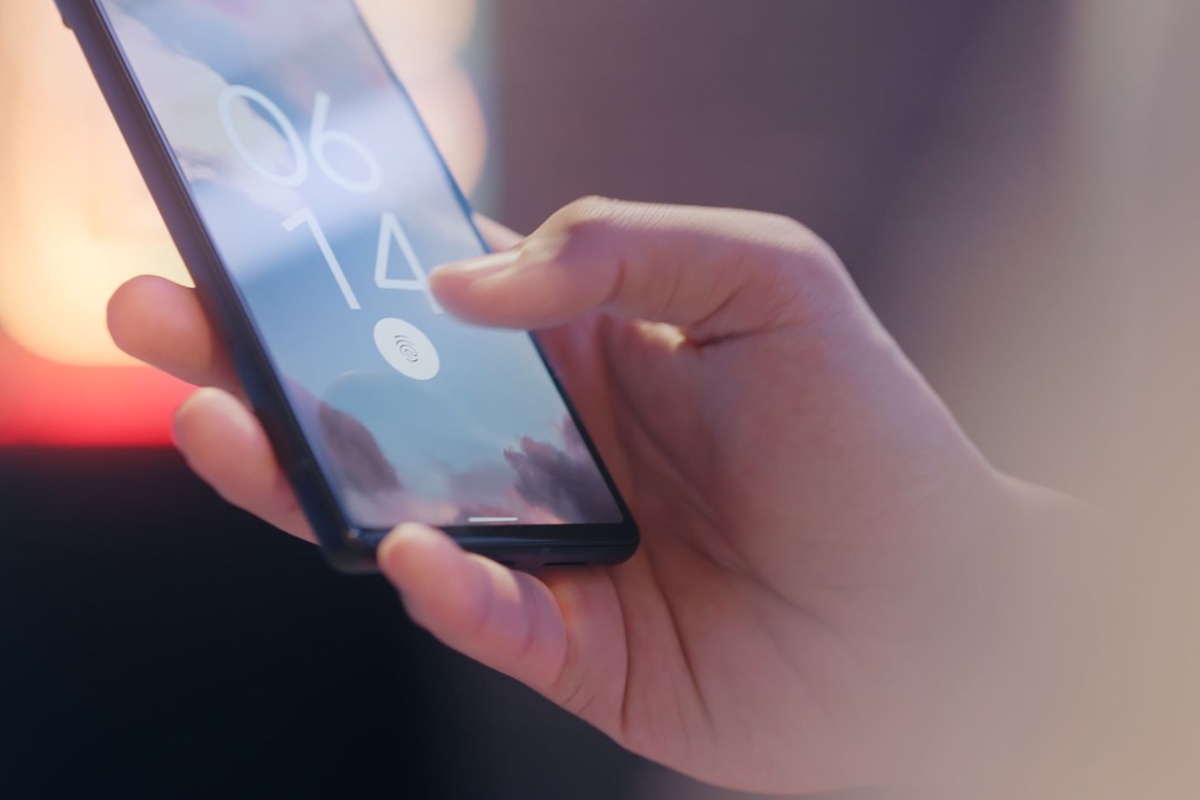
Changing or losing your smartphone requires a bank-specific procedure
Before replacing a phone, check how your bank handles device registration, authentication apps, passkeys, biometric settings, digital certificates and one-time-password functions. Some services need to be transferred or deregistered before the old device is erased.
If the phone is lost, use the device manufacturer’s lost-device controls, contact the mobile carrier and follow the bank’s emergency suspension procedure. If the phone also receives email used for password resets, secure that email account as well.
- Check the official device-change procedure before replacing the phone
- Transfer or reset authentication functions correctly
- Suspend bank access if the device is lost
- Secure the registered email account
- Re-check transfer limits and alerts after reactivation
If you sent money to the wrong account, contact the bank immediately
Do not assume a completed transfer can be reversed with a button. Contact the sending bank immediately with the transaction reference, time, amount and beneficiary details. The bank can explain the return-request procedure that applies to the transaction.
If the recipient details came from a hacked invoice, fake landlord message, impersonated employer or another suspected scam, tell the bank that you suspect fraud. Preserve the original message, URL, telephone number, email headers, screenshots and transaction record.
- Call the bank promptly
- Provide the transaction reference and exact amount
- Explain whether it was a typing mistake or suspected fraud
- Preserve messages and screenshots
- Do not send a second payment without verifying the recipient
If you see an unauthorized login or transfer, stop access first
Contact the bank through its official emergency route as soon as you notice an unfamiliar login, new beneficiary, security-setting change or transfer. Ask what access, cards or linked services should be suspended.
Change compromised credentials from a trusted device under the bank’s instructions and check any other service that reused the same password. Preserve evidence and follow the bank’s and police procedures for suspected fraud.
The Financial Services Agency reported in 2026 that unauthorized online-banking transfers remained a serious problem and that phishing was a major method used to steal credentials.
- Contact the bank immediately
- Suspend online banking or linked payment functions as instructed
- Preserve alerts, messages, URLs and transaction references
- Change compromised credentials from a trusted device
- Check other accounts for password reuse

FAQ
Is online banking automatically available after opening a Japanese bank account?
Not always. Some banks activate app access during account opening, while others require separate registration, device verification or an activation procedure.
Are domestic transfers available 24 hours a day?
Japan’s interbank infrastructure supports round-the-clock transfer processing, but each bank can still have maintenance periods, limits, security controls and product-specific service hours.
What is the difference between 振込 and 振替?
振込 usually means sending money to another account, while 振替 often means moving money between your own eligible accounts at the same bank. Confirm the destination before approval because bank terminology can vary.
Can I use Japanese online banking in English?
Language support differs by bank and function. An English account-opening page does not guarantee that every transfer, authentication, tax-payment or security screen will be translated.
Can a bank ask a foreign resident to update residence information?
Yes. Banks may request updated customer information as part of ongoing verification. Use the bank’s official app, website, branch or other verified procedure rather than trusting a link in a message.
Will a legitimate bank ask for my one-time password by phone?
Do not disclose a banking password, PIN or one-time authentication code to an unsolicited caller. End the call and contact the bank through its independently verified official number.
Can I cancel an online transfer after it is completed?
A future-dated transfer may be cancelable before the bank’s deadline. A completed transfer usually requires contacting the bank and following its return-request procedure; recovery is not guaranteed.
Official References
- Japanese Bankers Association: Internet Banking Crime
- Japanese Bankers Association: Phishing Scams
- Financial Services Agency: Unauthorized Deposit Transfers as of March 2026
- Financial Services Agency: Financial Measures for Foreign Residents
- Japanese Banks' Payment Clearing Network: Zengin System
- Japan Multi-Payment Network Promotion Association: Pay-easy
Final Thoughts
Safe online banking in Japan comes down to controlling the route, the device, the recipient and the final confirmation. Enter through the official service yourself, use strong authentication, keep transfer limits appropriate, verify every beneficiary and read the final screen slowly. If a login, message, call or transfer feels wrong, stop and contact the bank through a separate official channel.